The Problem with Blind Fabs
In a semiconductor fab processing 300+ active lots across 500-2,000 tools and 400-700 process steps, losing track of WIP (Work-In-Progress) is not a hypothetical risk — it is a daily reality for fabs relying on legacy systems. According to McKinsey's semiconductor operations research , fabs with poor WIP visibility experience 15-25% longer cycle times and 10-20% more WIP inventory than necessary.
The consequences cascade:
- Lots stall at bottleneck tools while upstream tools push more WIP into already congested areas
- Hot lots get lost in queues because operators cannot see their priority or location in real time
- Equipment sits idle in one area while WIP piles up in another
- Cycle time balloons because no one has a fab-wide view of flow imbalances
- Daily management meetings consume hours as managers manually compile status from multiple systems
A real-time fab command center changes everything.
Anatomy of a Semiconductor Fab Dashboard
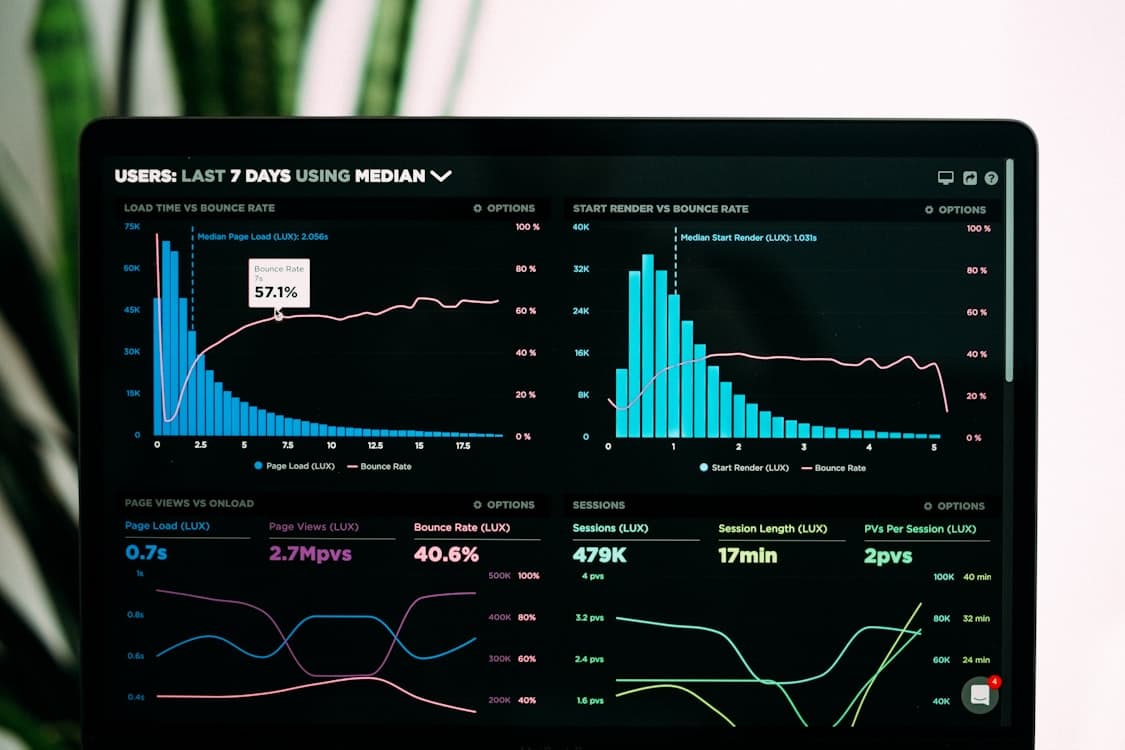
Modern semiconductor ERP platforms like FlowSense Semiconductor provide a unified command center displaying every critical metric at a glance. Here is what an effective dashboard includes:
Top-Level KPI Cards
The dashboard header displays six critical fab metrics updated in real time:
- Active WIP — total lots currently in the fab (e.g., 312 lots) with trend indicator (+5 from yesterday)
- Wafer Outs (MTD) — month-to-date wafer completions vs target (e.g., 1,247 wafers at 82% of target)
- Die Yield (Average) — fab-wide average yield with week-over-week comparison (e.g., 94.2%, +1.2% vs last week)
- Equipment OEE — overall equipment effectiveness vs target (e.g., 87.5%, -0.3% vs target)
- Yield Trend — week-over-week yield improvement trajectory (e.g., +1.2% WoW, improving)
- Average Cycle Time — mean lot cycle time with variance to target (e.g., 12.3 days, -0.5 days vs target)
Each KPI card includes sparkline trends and color-coded performance indicators so managers can spot issues without drilling into details.
WIP by Process Area
A horizontal bar chart breaks down active lots across fab process areas:
- Lithography — typically the highest WIP area and primary bottleneck
- Etch — second-highest WIP in most fabs
- Thin Films — CVD and PVD deposition tools
- Diffusion — furnace operations
- CMP — chemical mechanical planarization
- Implant — ion implantation
- Metrology — inline inspection and measurement
- Probe & Test — electrical testing
This visualization instantly reveals flow imbalances. If lithography holds 85 lots while etch has only 40, the fab knows to prioritize lithography dispatch to feed downstream tools.
Equipment Status Overview
A donut chart provides a live snapshot of tool fleet health:
- Running — tools actively processing (target: >75%)
- Idle — available but no WIP queued (investigate if >10%)
- PM — scheduled preventive maintenance
- Engineering — recipe development or experiments
- Down — unplanned failures (target: <5%)
The total tool count at the center (e.g., 72 Total Tools) provides context, while the breakdown enables rapid response when too many tools shift to down or idle status.
How Real-Time WIP Visibility Improves Fab Performance
Faster Decision-Making
Without real-time dashboards, fab managers rely on morning meetings with data that is already 12-24 hours old. By the time decisions are made and communicated, conditions have changed.
Real-time visibility enables:
- Immediate bottleneck detection — WIP buildups become visible within minutes, not hours
- Dynamic lot prioritization — hot lots and at-risk delivery lots get immediate attention
- Cross-shift continuity — incoming shift sees exactly where the prior shift left off
- Remote monitoring — fab managers can check status from any location, not just the control room
Reduced Cycle Time
Cycle time in semiconductor manufacturing is primarily driven by queue time — lots waiting for tools. Real-time WIP visibility attacks queue time directly:
- Queue management — dispatch logic routes lots to the shortest queues
- Load balancing — WIP is distributed evenly across parallel tools
- Pull scheduling — downstream operations signal upstream to release WIP just-in-time
- Constraint management — bottleneck tools receive priority WIP feed to maximize utilization
Fabs implementing real-time WIP dashboards typically see 15-25% cycle time reduction within the first 6 months.
Better Capacity Planning
Historical WIP patterns combined with real-time data enable accurate capacity planning:
- Identify chronic bottlenecks — areas consistently holding more WIP than designed capacity
- Plan tool purchases — data-driven justification for capital expenditure
- Optimize maintenance windows — schedule PM when WIP is naturally lower in a process area
- Forecast wafer outs — predict monthly output based on current WIP positions and historical flow rates
Improved Yield Through Process Correlation
WIP visibility combined with inline metrology data enables yield engineers to:
- Track specific lots through every process step
- Correlate yield excursions with equipment, recipe, and material variables
- Hold suspect lots before they reach expensive downstream steps
- Route lots away from tools showing early signs of process drift
Building an Effective Fab Dashboard
Choose the Right Metrics
Not every metric belongs on the top-level dashboard. Effective fab dashboards follow the principle: if you cannot act on it within the shift, it does not belong on the command center screen.
Primary KPIs (dashboard-level): - Active WIP count and trend - Wafer outs vs target - Equipment OEE - Average cycle time - Die yield average
Secondary KPIs (drill-down level): - WIP aging (lots exceeding target cycle time) - Tool availability by group - Throughput by process area - Hold lot count and reasons - Hot lot status and ETA
Ensure Data Freshness
Stale data is worse than no data — it creates false confidence. The dashboard must update within seconds of equipment state changes:
- Equipment status — via SECS/GEM protocol, updates sub-second
- WIP positions — updated on every lot move event (when a lot arrives at or departs from a tool)
- KPI calculations — recalculated continuously, not on a schedule
- "Last updated" timestamp — displayed prominently so users know exactly how current the data is
Enable Drill-Down Capability
The top-level dashboard provides the overview. Clicking any metric should drill into detail:
- Click "Active WIP: 312 lots" → see lot list with location, priority, and cycle time
- Click "Equipment OEE: 87.5%" → see OEE breakdown by tool group
- Click a process area bar → see individual tool status and queue depth
- Click a down tool → see fault description, maintenance ticket, and ETA to recovery
Support Mobile Access
Fab managers are not always at their desk. The dashboard must work on mobile devices and tablets for walkthrough inspections, remote monitoring, and after-hours alerts.
Integration Requirements
A real-time fab dashboard requires data from multiple sources:
| Data Source | Protocol | Update Frequency |
|---|---|---|
| Equipment status | SECS/GEM, OPC UA | Real-time (sub-second) |
| WIP positions | MES track-in/track-out | Real-time (per lot move) |
| Yield data | Inline metrology | Per measurement event |
| Maintenance status | CMMS integration | Per ticket update |
| Production targets | ERP planning module | Daily / per planning cycle |
The ERP serves as the integration hub, collecting data from all sources and presenting it in a unified view. This eliminates the need for fab managers to switch between 5-6 different applications to get a complete picture.
From Dashboard to Decision: A Day in the Life
6:00 AM — Shift handoff. The incoming shift manager opens the fab command center. Active WIP is 312 lots, wafer outs are at 82% of monthly target with 12 days remaining. Lithography is showing higher-than-normal WIP — 85 lots vs the typical 70.
6:15 AM — Investigation. Drilling into lithography reveals that Scanner 3 went down overnight with a laser power fault. The remaining three scanners absorbed some WIP but cannot keep pace. Cycle time for lithography lots has increased by 6 hours.
6:30 AM — Action. The shift manager coordinates with maintenance (ETA: 4 hours for Scanner 3 repair) and adjusts dispatch rules to prioritize hot lots on the three running scanners. Upstream diffusion lots are held briefly to prevent further lithography queue buildup.
10:30 AM — Recovery. Scanner 3 completes qualification. The dashboard shows lithography WIP dropping back toward normal levels. Average cycle time indicator turns green.
Without the dashboard, this scenario would have played out over 2-3 shifts with significantly more WIP buildup and cycle time impact.
Transform your fab with real-time operational visibility. Explore FlowSense Semiconductor command center features or schedule a demo.